QuickSelect
Cull a shoot with just ↓ and SPACE.
When a job means shooting a lot, the longest part comes afterwards: picking what to keep. This app exists to make that part as short as possible. You press the arrow keys and SPACE. What you SPACE, you keep.
The point that matters: the RAW file sitting next to each keeper comes along. You never go looking for "which RAW belongs to this JPEG" later. When you're done picking, the RAW files you'll develop are already lined up in selected/.
No library, no catalog, no import. Drop the folder, look, press. That's all it does.
¥800 JPY, tax included / one-time purchase / no license key
v2.5 / macOS 13 or later / Apple silicon and Intel
English and Japanese (follows your Mac's language)
You pay on PayPal's page. No PayPal account needed — a card works. All sales are final: no refunds for change of mind (legal notice).
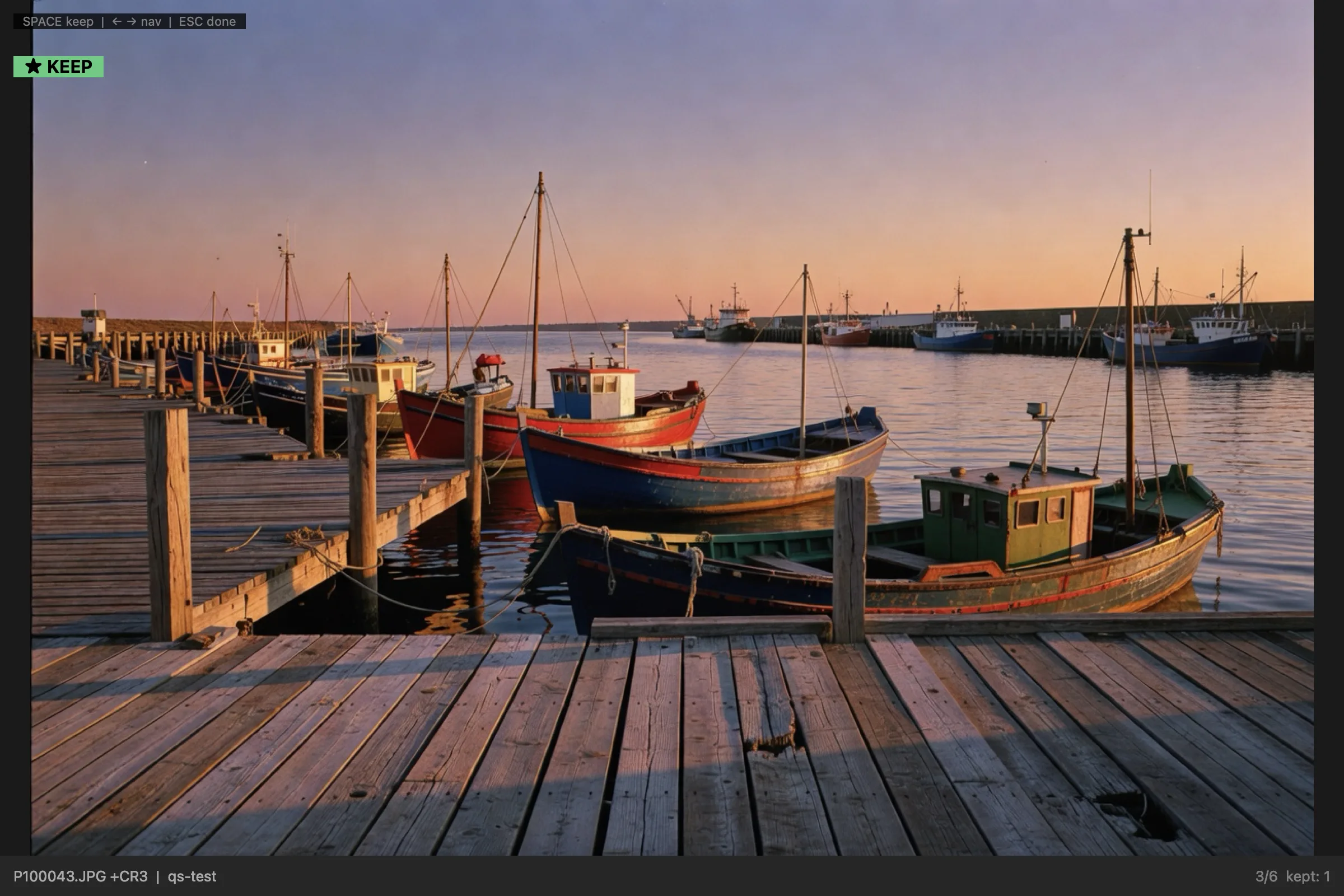
Pick
Drop a folder. Arrow through it. SPACE to keep. ESC when done.
One photo at a time, large (up to 2400 px on the long side, oriented from EXIF). ← → or ↑ ↓ moves on. SPACE marks ★ KEEP; press it again to unmark.
ESC moves every keeper into a selected/ folder inside the same folder. Everything else stays where it was. Nothing is deleted or rewritten.
Stop halfway if you need to. Drop the same folder again and it asks whether to resume.
- ← → ↑ ↓ to move
- SPACE to keep
- ESC → selected/
- Resume later
RAW
The RAW of every keeper comes along.
You look at the JPEGs (or HEICs). When a keeper moves to selected/, the RAW and XMP files with the same name move with it. The "same name, different extension" pairs your camera writes stay together.
Shot RAW only? The RAW files are shown directly and you cull those (any format your Mac can decode).
RAW extensions it pairs: RW2, CR2, CR3, CRW, ARW, SR2, SRF, NEF, NRW, RAF, ORF, PEF, SRW, DNG, RWL, 3FR, FFF, IIQ, X3F, MRW, MEF, MOS, ERF, KDC, DCR, GPR, ARI.
If Adobe DNG Converter is installed, it offers to convert the moved RAW files to DNG (the originals stay; DNGs are added to selected/). If it isn't installed, it never asks.
- Same-name RAW and XMP
- RAW-only folders
- DNG conversion (optional)
Light
Nothing to import. Nothing to learn.
No library, no catalog, no import step. You can start picking the moment the folder lands.
The window holds the photo, the count and the key hints. There isn't a single button.
- No import
- No buttons
- No network
FACTS
- Price
- ¥800 JPY (tax included). One-time purchase.
- Refunds
- No refunds for change of mind. We refund if a fatal bug can't be fixed, or for duplicate purchases.
- Runs on
- macOS 13 or later. Apple silicon and Intel.
- Reads
- JPEG and HEIC. A folder without JPEGs shows the RAW files directly (formats your Mac can decode).
- Output
- Keepers, plus their same-name RAW and XMP files, move into selected/ inside the same folder. Originals are never rewritten.
- DNG
- Only when Adobe DNG Converter (free, from Adobe) is in /Applications does it offer conversion.
- Updates
- No auto-update. When a new version is out, download it again the same way.