DawlessCapture
Going dawless by opening a DAW is absurd.
Grooveboxes like Roland's AIRA Compact connect over USB, which is great — until you try to hear them on a Mac. The routing is a pain, and you end up opening a DAW anyway. For a dawless jam.
Filming it is worse: a separate camera, then stitching the audio on afterwards. I wanted a better way, so I built this.
FREE — play, shape, record audio
Free / no license key / in exchange for your email address
v1.0.1 / macOS 14 or later / Apple silicon and Intel
PRO — plus a camera, into one video
¥1,600 JPY, tax included / one-time purchase / no license key
The audio side is identical to the free edition — try that first
You pay on PayPal's page. No PayPal account needed — a card works. All sales are final: no refunds for change of mind (legal notice).
About PRO ↓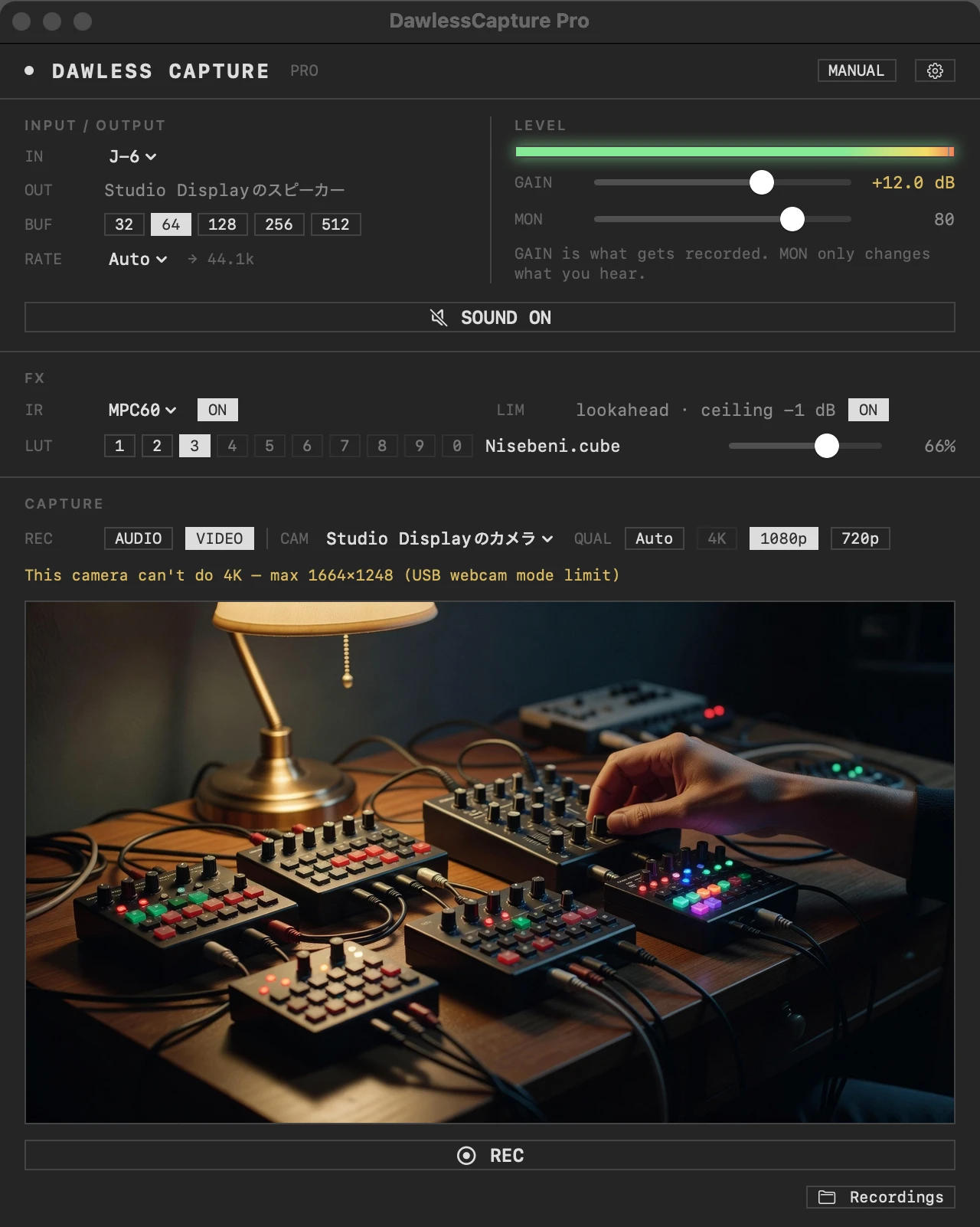
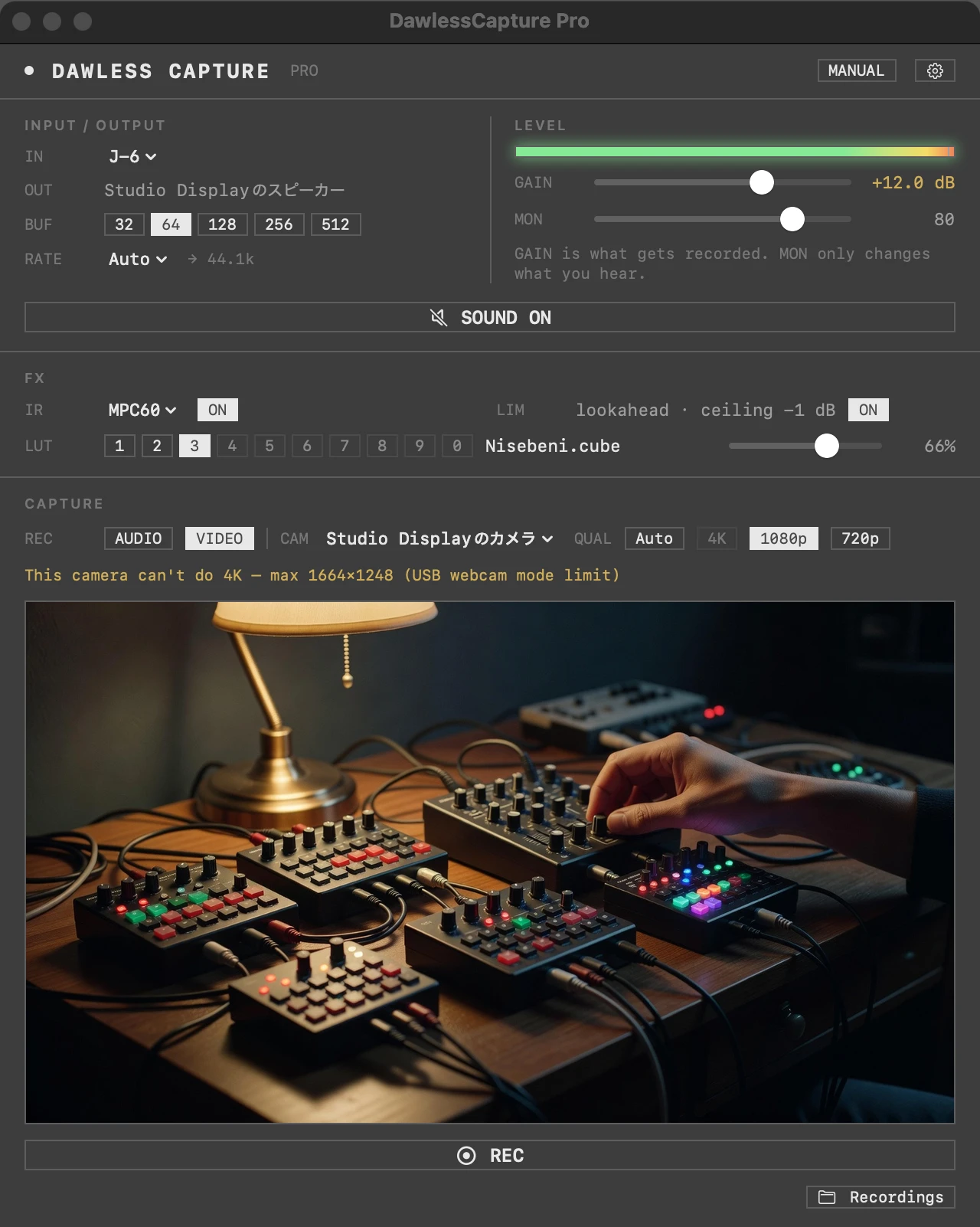
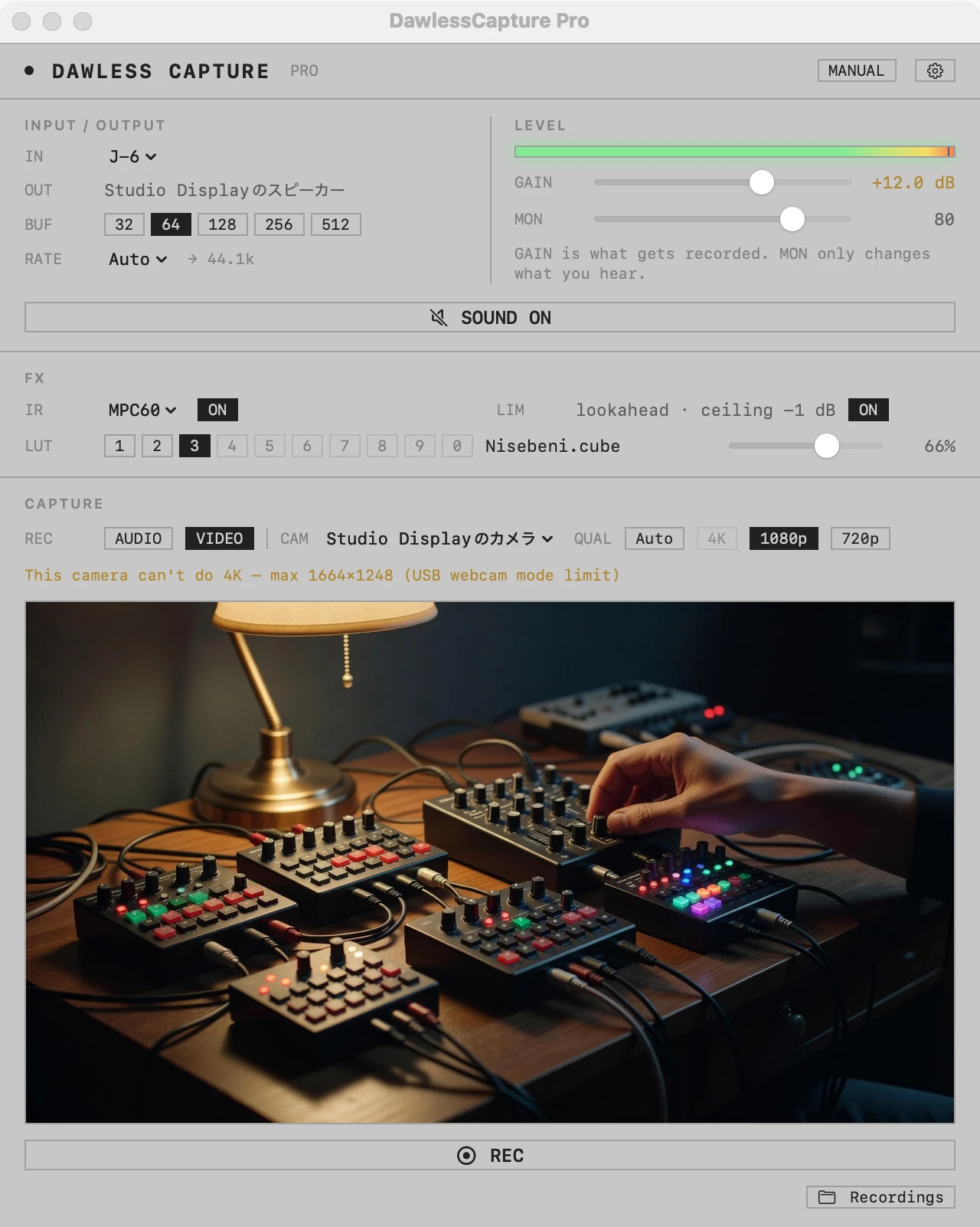
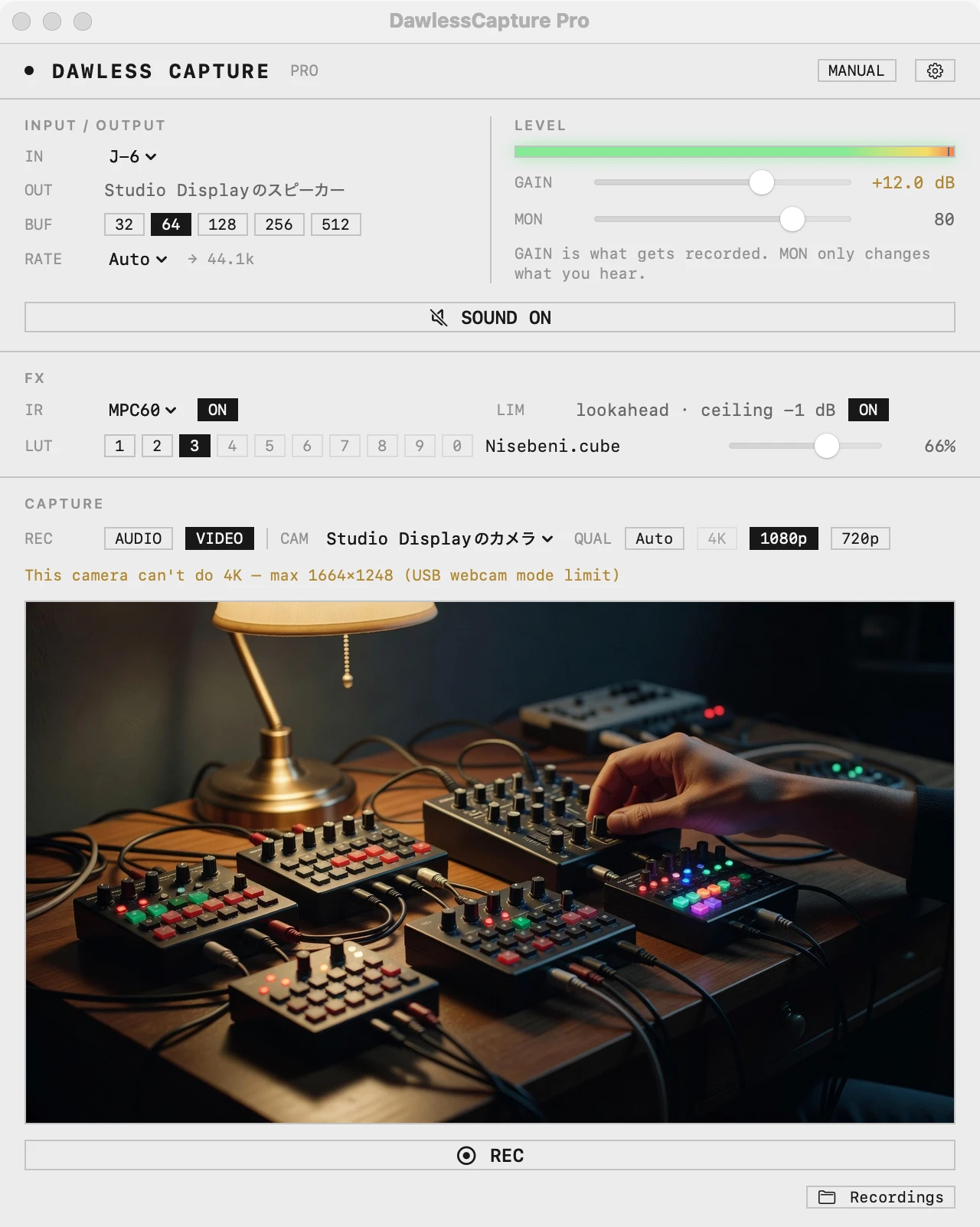
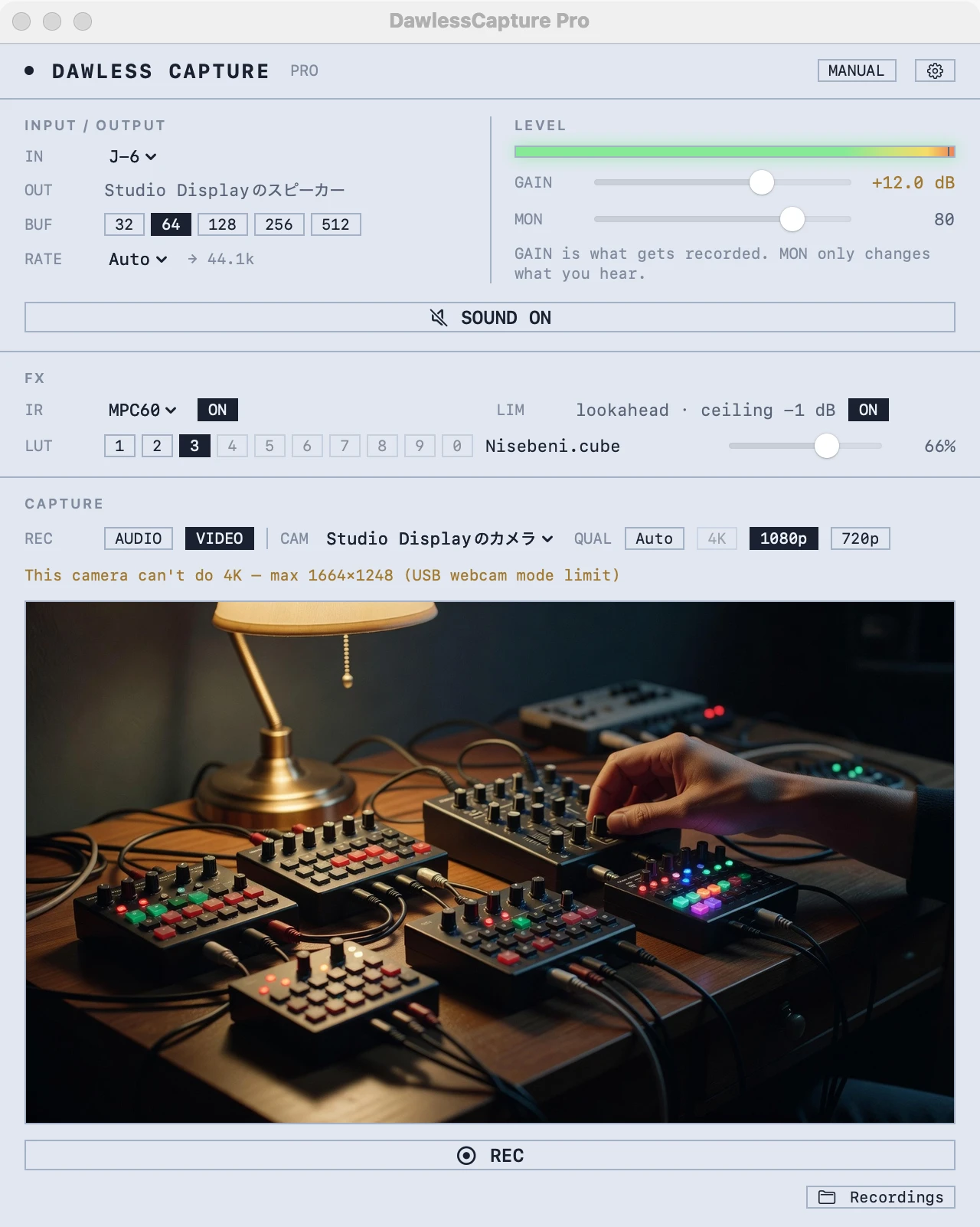
Play
Open the app and it plays. No Audio MIDI Setup.
IN is on Auto. It picks a device connected over USB that has both inputs and outputs — an instrument or an audio interface. It never picks a microphone (so nothing feeds back into the speakers).
Buffer from 32 to 512. Sample rate from whatever both the input and the output support. You never open Audio MIDI Setup.
Quit with sound on, and it's playing the next time you open the app.
- IN Auto
- BUF 32–512
- RATE 44.1k–192k
- 7.8 ms round trip @64
Shape
Same gain, same monitor sound, every time.
Not so different from recording in a DAW, except the IRs are already there and the level is already set. That matters more than it sounds.
28 impulse responses built in: samplers, tape, consoles, tube, spring reverb, synth filters. Load your own .wav too.
Push with GAIN, catch with LIM (5 ms lookahead, -1 dB ceiling). MON only changes what you hear, never the recording.
- GAIN -12 to +24 dB
- IR ×28
- LIM -1 dB
- MON
Record
Press REC and you get a 24-bit wav.
What gets recorded is the sound after GAIN → IR → LIM. MON doesn't touch it. If sound is off, REC turns it on first.
Stop, and the file is shown in Finder. It lives in DAWless Capture inside your Music folder.
- 24-bit WAV
- ~/Music/DAWless Capture
For everyday playing, free is enough. When you want it on YouTube, PRO.
Dawless and machine-live are a camera culture — look at any of it on YouTube. PRO is an easy way for someone who wants to be on the performing side to get a video out.
Plug in the USB instrument and a USB camera, press REC. The instrument's line audio and the picture land in one mov from the start. No separate camera, no stitching afterwards.
¥1,600 JPY, tax included / one-time purchase / no license key
The audio side is identical to the free edition — try that first
PRO · Video
Press VIDEO for the preview, REC for a mov.
USB cameras, the Mac's built-in camera, the Studio Display camera. Auto / 4K / 1080p / 720p — qualities the camera can't deliver can't be pressed (it never silently falls back).
A pop-out monitor window at any size, on any display, with its own REC / STOP. Camera mirroring too.
- mov H.264 + AAC
- MONITOR
- MIRROR
- ~/Movies/DAWless Capture
PRO · LUT
A light LUT makes the picture look right.
A LUT is a colour-grade file (.cube). Video people know them; musicians mostly don't. They're all over the internet — film looks, cool blue looks, whatever you like.
PRO applies one to the camera picture while you record. Intensity 0–100%; the trick is to keep it light.
Ten slots, switched with ⌘1–0, instantly, even mid-recording. The LUT is baked into the file.
- LUT ×10
- .cube
- 0–100%
- ⌘1–0
Free vs PRO
Same audio. Video and LUT are PRO.
| FREE | PRO | |
|---|---|---|
| Play (Auto input, BUF, RATE) | ✓ | ✓ |
| Shape (GAIN, IR ×28, LIM, MON) | ✓ | ✓ |
| Record audio (24-bit wav) | ✓ | ✓ |
| Record video (USB camera, mov) | — | ✓ |
| LUT ×10 (applied while recording, switchable) | — | ✓ |
| Monitor window with REC, mirroring | — | ✓ |
| Price | Free | ¥1,600 one-time |
FACTS
- Free edition
- We email you a download link in exchange for your address, and you'll also hear about updates and new apps (unsubscribe from any email).
- PRO
- ¥1,600 JPY (tax included), one-time. No refunds for change of mind — the audio side can be tried in the free edition first. We refund if a fatal bug can't be fixed, or for duplicate purchases.
- Runs on
- macOS 14 or later. Apple silicon and Intel.
- Permissions
- Microphone (to read the input). PRO also uses the camera.
- Built-in IRs
- 28. None are recordings of real units; they are modelled after their character.
- Updates
- No auto-update. When a new version is out, download it again the same way.
- Language
- The app is in English. The manual is in English and Japanese.