WAVETRIM
An audio editor doesn't need everything.
The go-to audio editors are Adobe Audition and Sound Forge. They really can do everything. But what I wanted was something simpler and lighter. What I actually did was cut, paste, fade, normalize, record and export. So that's all WAVETRIM does. The whole app is 3 MB.
Free trial: every feature for 14 days
JPY, tax included / one-time purchase / no license key
v1.0.2 / macOS 15 or later / Apple silicon & Intel
English and Japanese (switch in Settings)
You pay on PayPal's page. No PayPal account needed — a card works. All sales are final: no refunds for change of mind (legal notice).
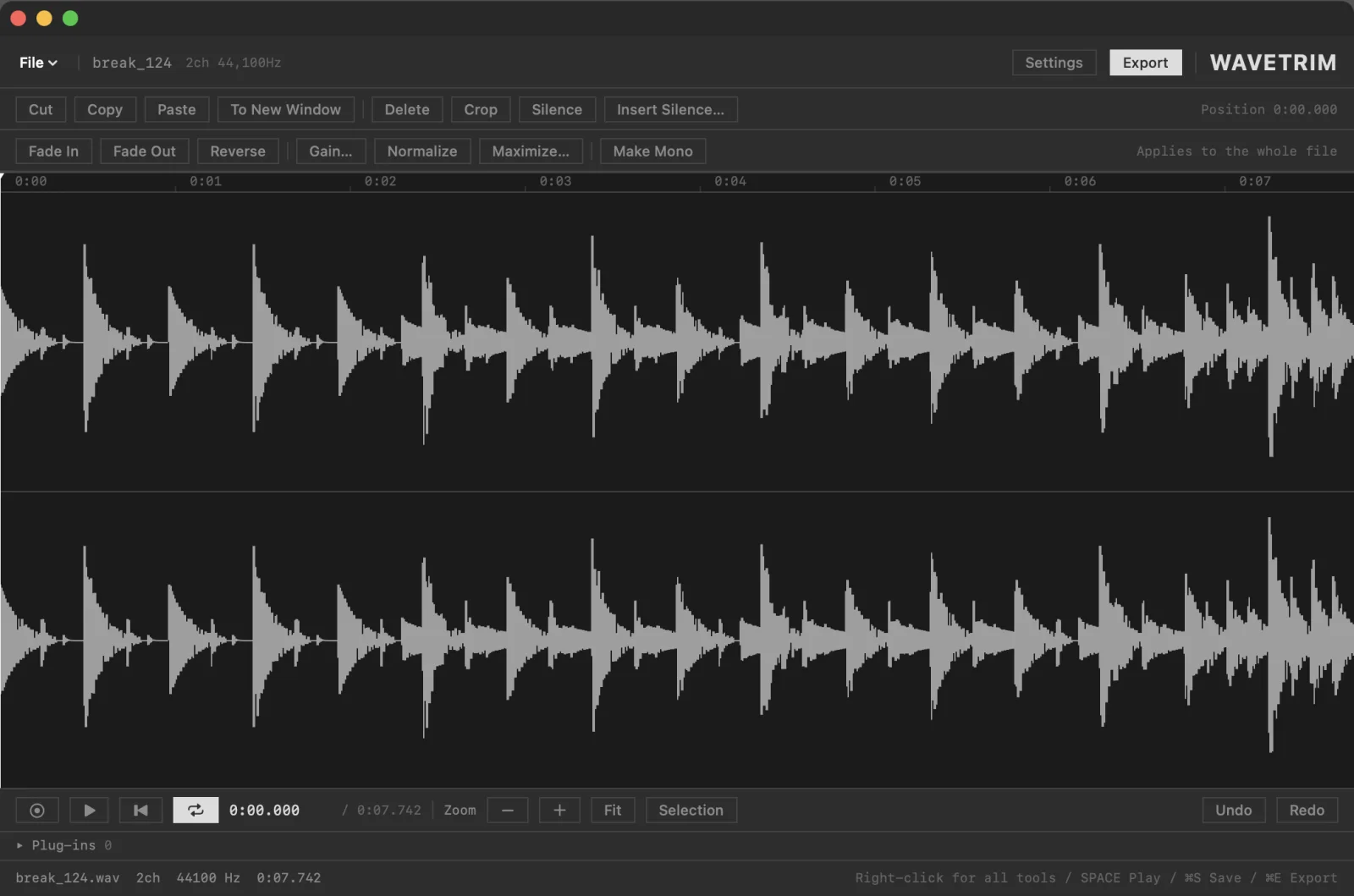
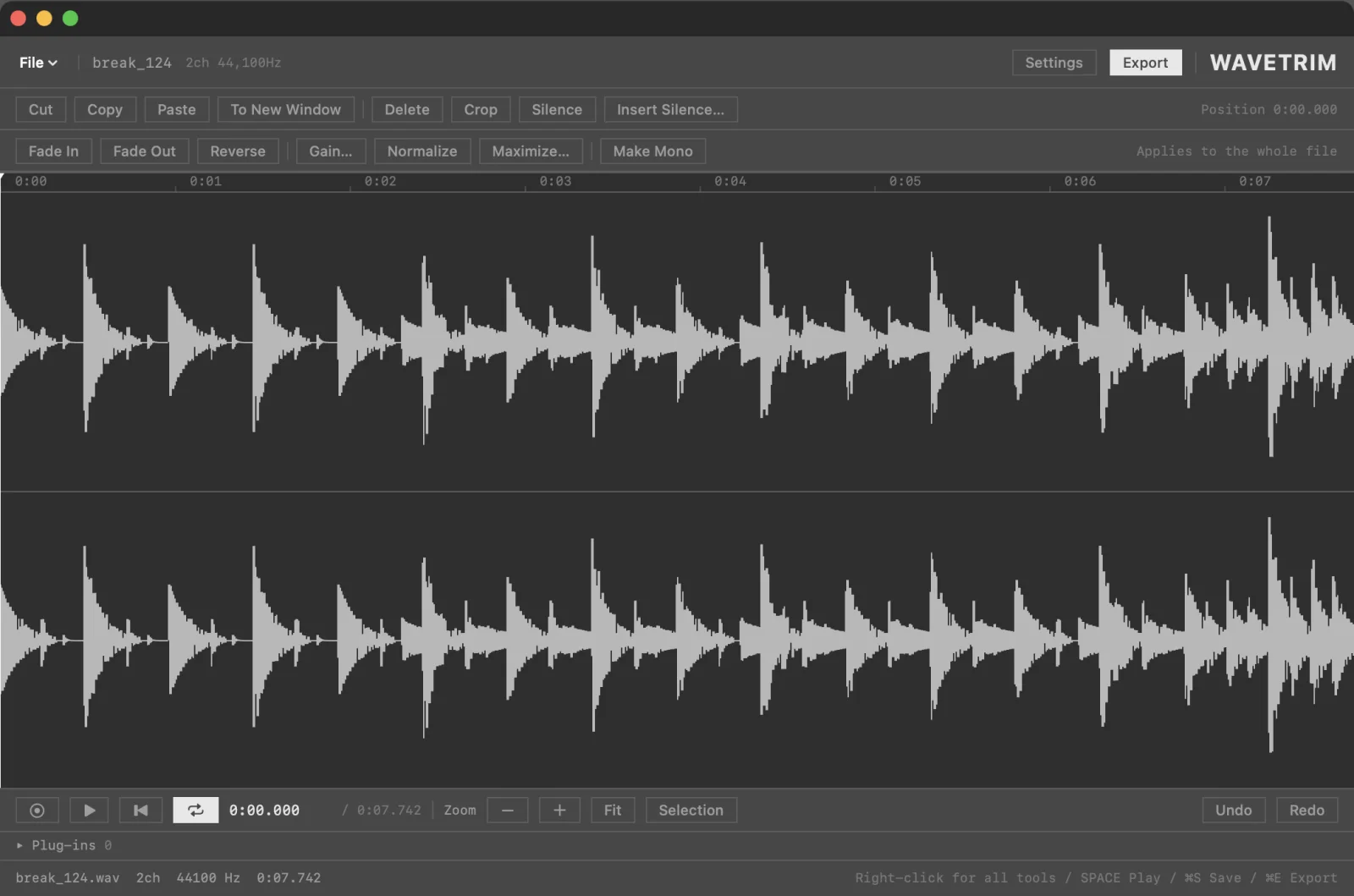
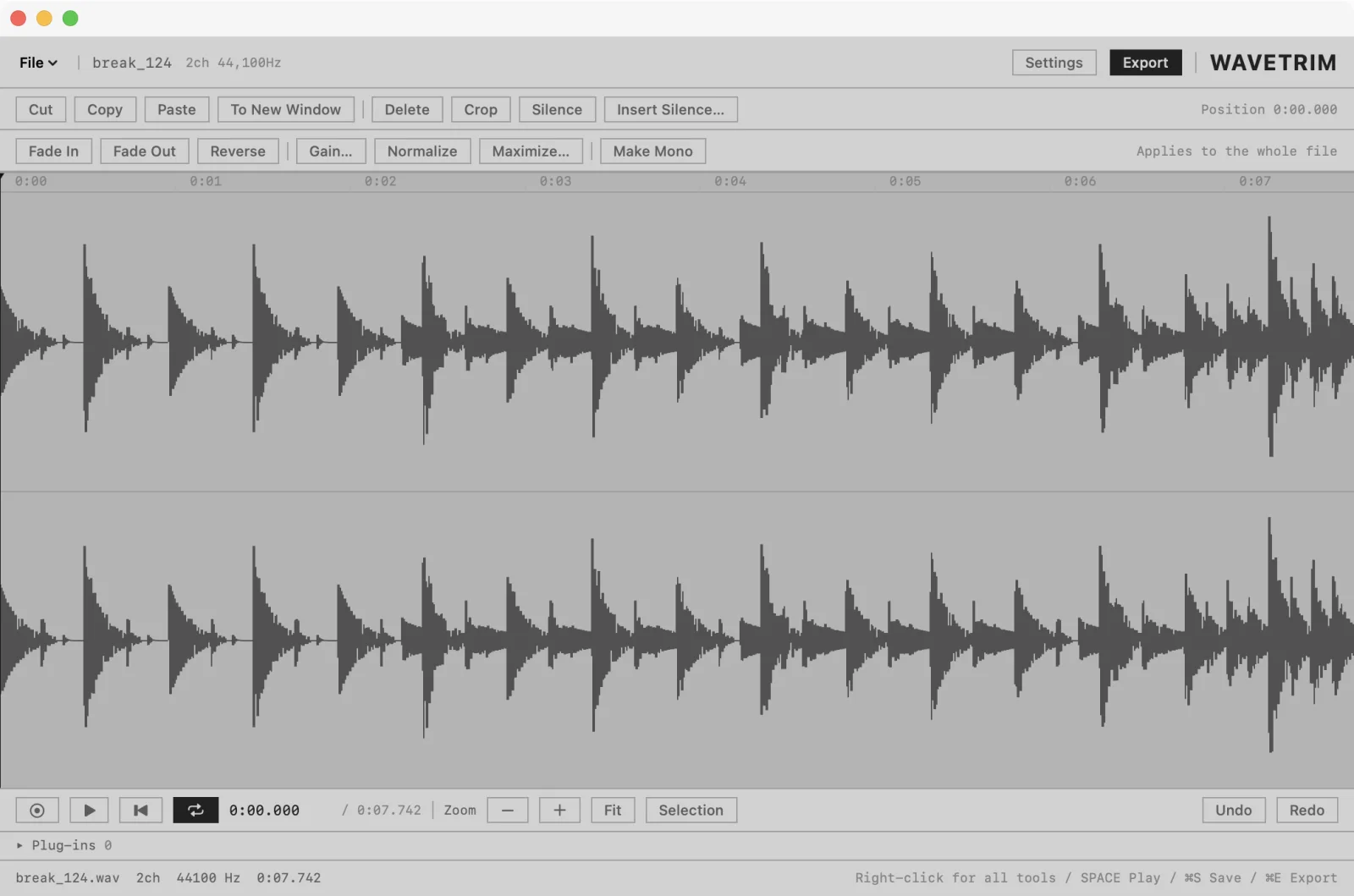
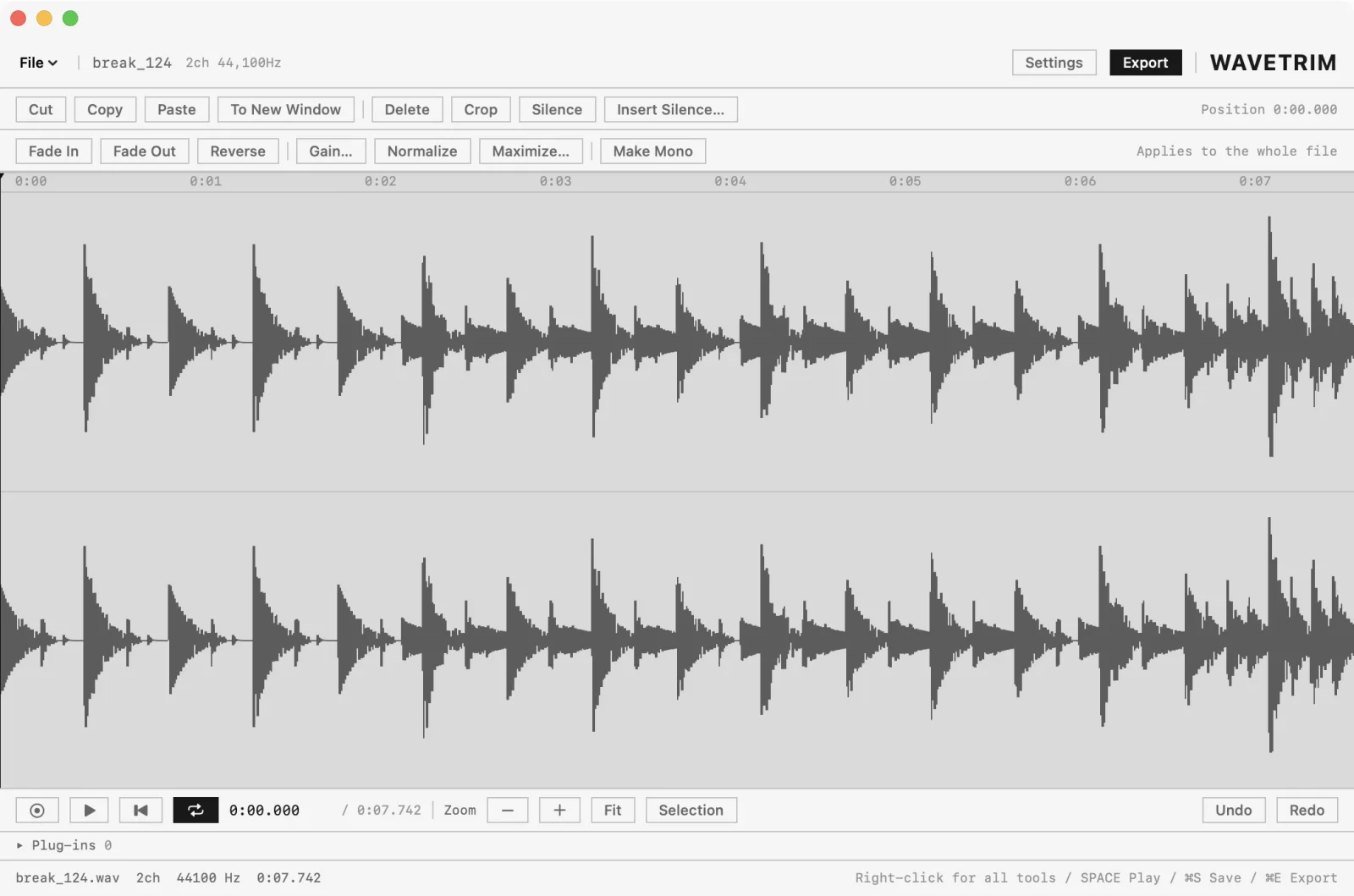
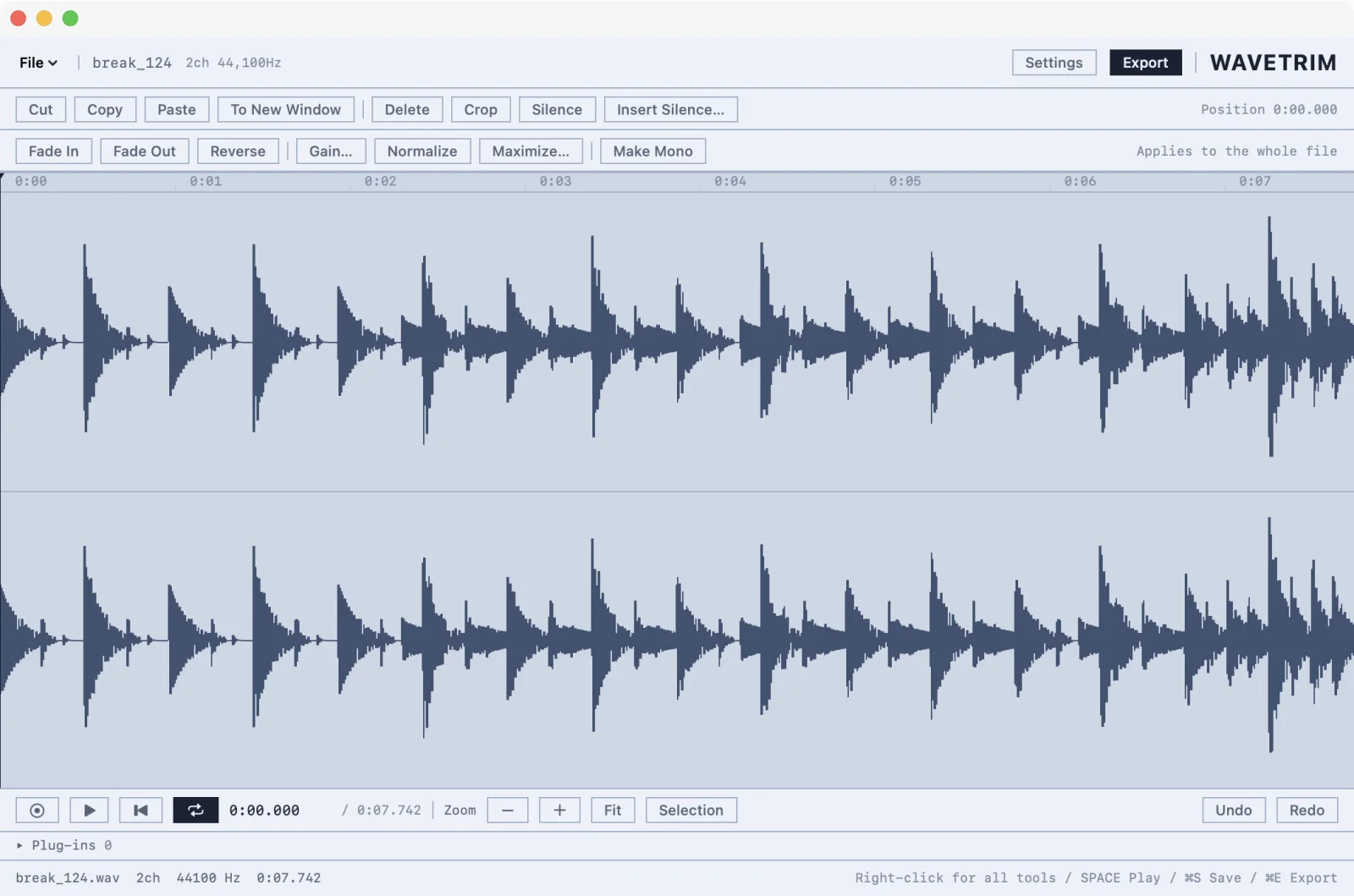
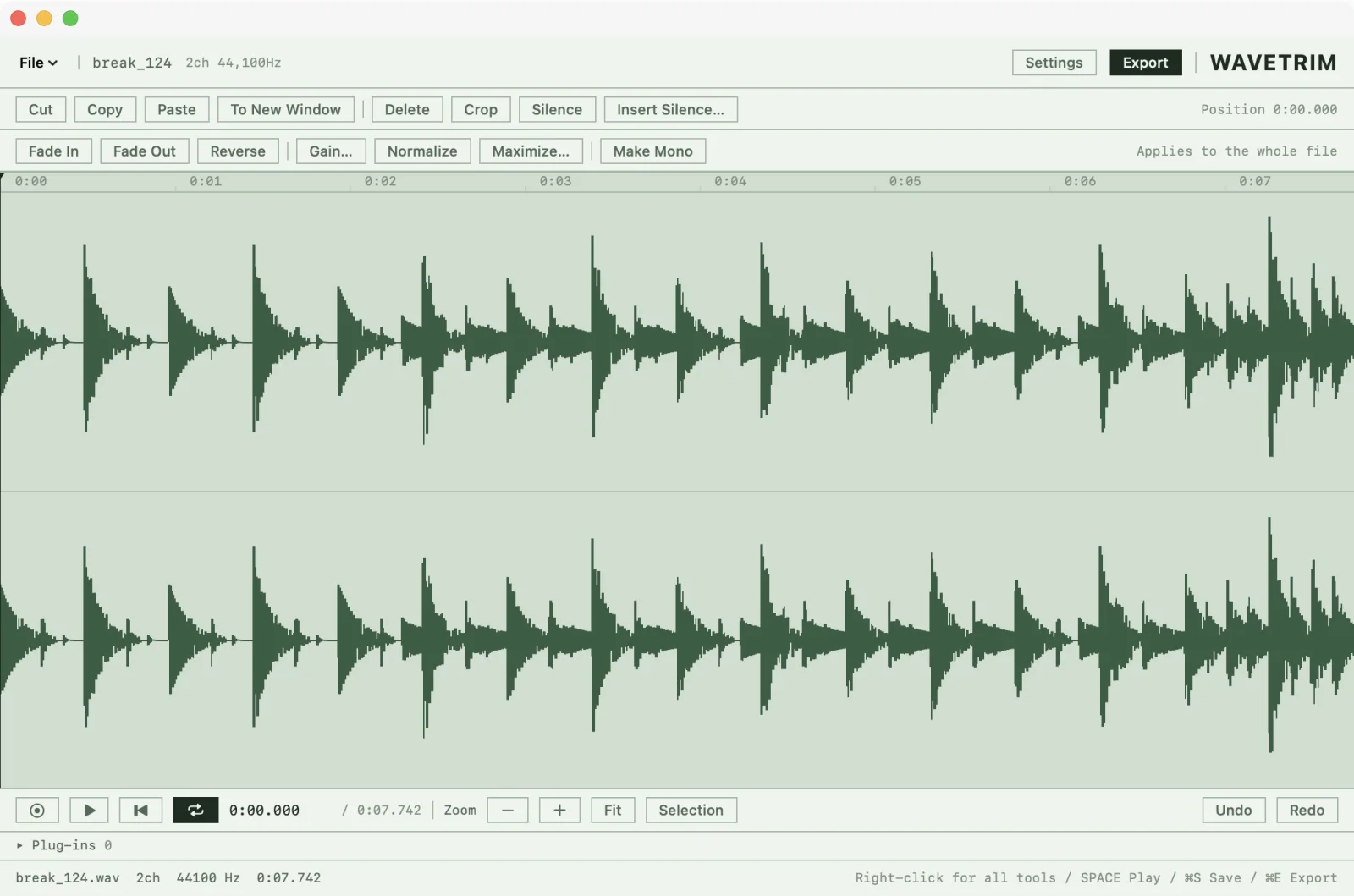
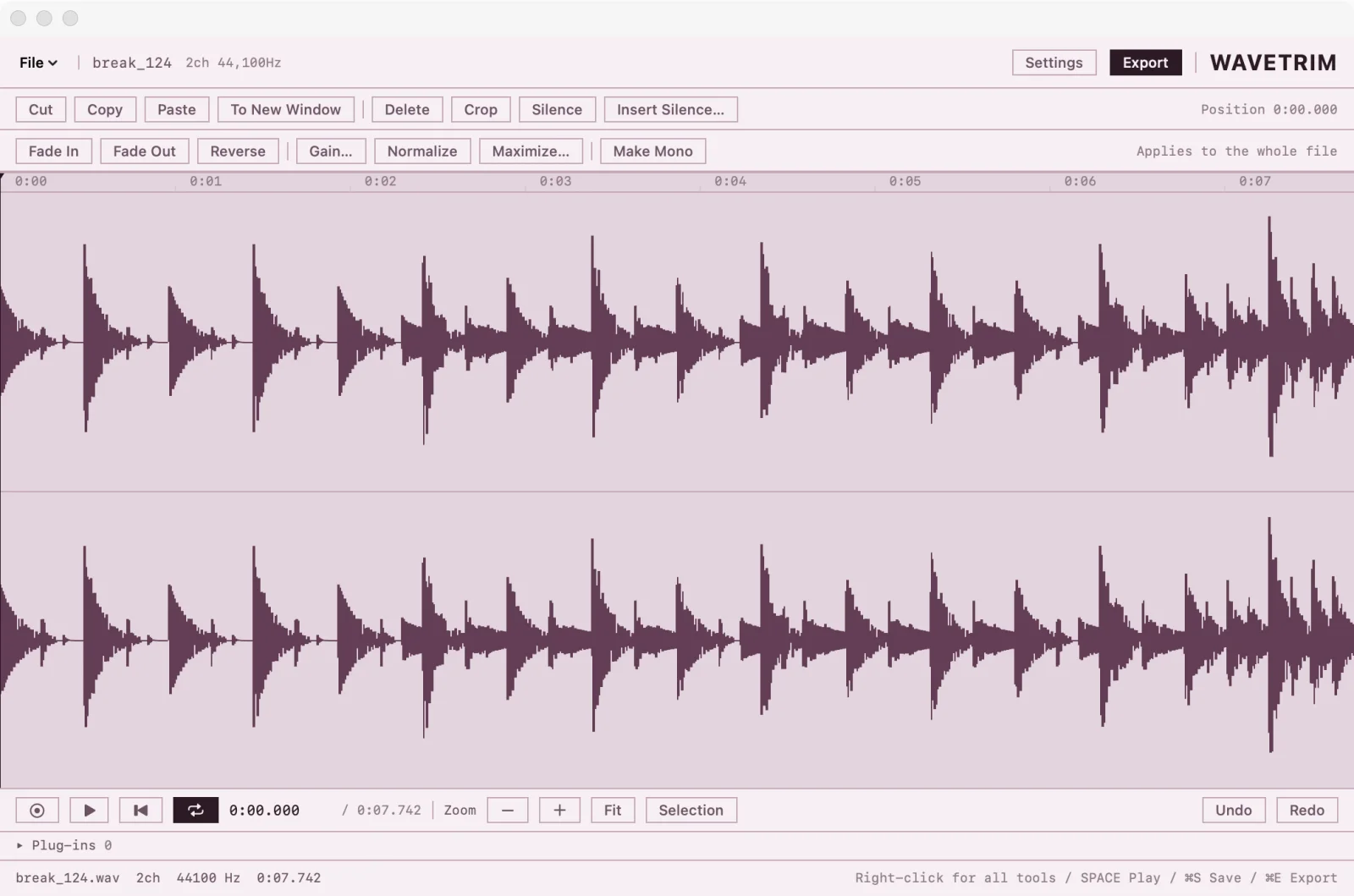
What's in
For the way I work, this was enough. 15 editing tools.
Select a range and right-click — every editing tool is right there. No digging through menus. Undo goes back 40 steps.
- Cut
- Copy
- Paste
- To New Window
- Delete
- Crop
- Silence
- Insert Silence
- Fade In
- Fade Out
- Reverse
- Gain
- Normalize
- Maximize
- Make Mono
Plus recording, playback (the selection loops, and grabbing the waveform plays that spot) and export.
What's out
No sound-shaping tools. That's what plug-ins are for.
- EQ
- Compressor
- Reverb
- Noise Reduction
- Spectral View
- Multitrack
- Batch Processing
Instead, the Audio Unit effects you already have plug right in — Apple's built-in ones and any third-party ones you've installed. Insert one and you hear it on playback right away. When you like it, Render writes it into the waveform.
Resample sends the processed sound to a new window, and lets you drop the bit depth to 24, 16, 12 or 8 on the way.
But not every plug-in will work.
- Audio Unit effects only. VST, VST3, AAX and CLAP won't load.
- Instrument plug-ins (synths and the like) can't be used.
- Some Audio Units won't load. On my Mac, 6 out of 103 didn't.
- A few crash the whole app when loaded.
- Older Intel-only plug-ins won't load on Apple silicon Macs.
Please check your own plug-ins with the free trial before you buy.
Light
Open it and start cutting.
- App size
- 3 MB
- Launch
- ~0.7 s
Measured on my Mac (Apple silicon, macOS 26.6). The very first launch takes about 1.4 s.
Record & export
Recording lets you pick exactly which inputs of your audio interface go to left and right. The waveform grows as you record. In a window that already has audio, it records over from the playhead.
Export writes MP3 and FLAC on its own — nothing else to install. The whole file or just the selection.
- WAV 24bit
- WAV 16bit
- WAV 32bit float
- AIFF 24bit
- MP3
- M4A (AAC)
- FLAC
Opens WAV, AIFF, MP3, M4A, FLAC and anything else macOS can read.
Before you buy
- Price
- ¥1,600, tax included. One-time purchase, no subscription. You're charged in Japanese yen; your card issuer converts it to your currency and may add a fee.
- Delivery
- Download it right after payment. No license key, no account.
- Payment
- On PayPal's page. No PayPal account needed — you can pay with a credit or debit card (Visa, Mastercard, JCB, American Express). Card details never pass through this site's servers.
- Updates
- The app never updates itself. When a new version is out, download it from your original download page. I'll email you about updates and new apps at the address you used for the trial. Fixes for serious bugs also go to the address you bought with.
- Requirements
- macOS 15 or later. Works on both Apple silicon and Intel Macs.
- Language
- English and Japanese. Switch any time in Settings.
- Plug-ins
- I tested the 103 Audio Units on my own Mac (a mix of Apple's built-in ones and third-party ones, macOS 26.6), and 97 loaded. The 6 that didn't were all by Auburn Sounds (Couture, Graillon 2, Inner Pitch, Lens, Panagement 2, Renegate), and they failed Apple's own validation tool (auval) too. Some third-party plug-ins can crash the app when loaded.
- Trial
- Free. Enter your email and we'll send you a download link. Every feature works for 14 days. After that, playback and exports get half a second of noise every 30 seconds. Installing the full version removes it (it replaces the trial). Installing the trial over the full version turns it back into the trial, so be careful.
- Bugs & refunds
- Found a bug? Email me and I'll fix it quickly and ship an update. You can always download the latest version from your original download page. Refunds are only for serious bugs I can't fix within 30 days of your report (the app won't launch, the file won't open, that kind of thing), and for accidental duplicate purchases. There are no refunds for change of mind, so please try the trial on your Mac, with your plug-ins, first.
- Feature requests
- Want a feature? Email me. If it fits the direction of the app — light and simple — I'll add it in an update. If it doesn't fit but you really need it, I can build a custom version for you for a fee (tell me what you need and I'll send a quote).
- Who makes it
- Hiromichi Fujiwara. I built it for my own use.